
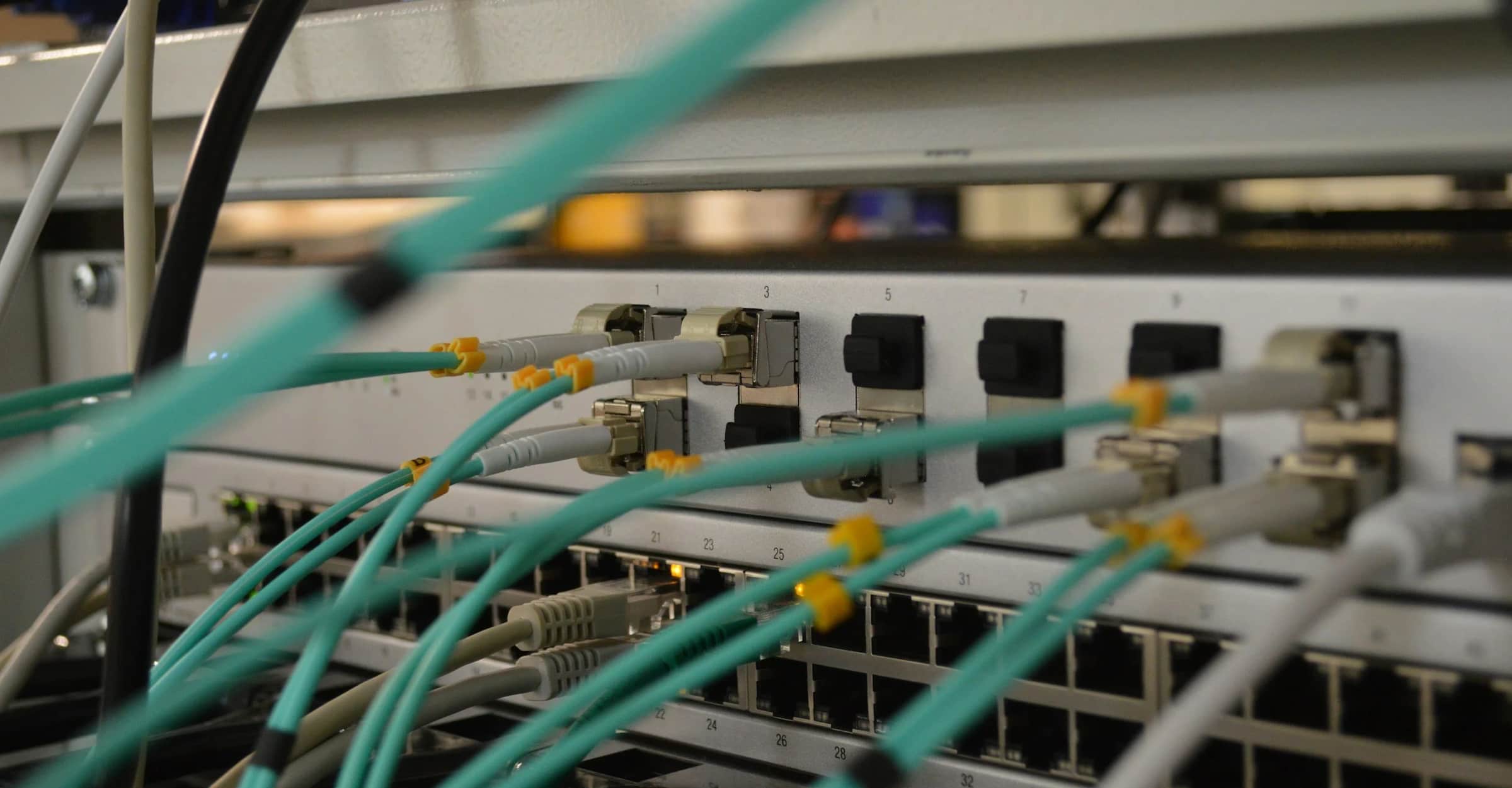
Nobody notices the network until it stops.
Wired and wireless designed around how your building is used, and cloud infrastructure on Azure, Google Cloud or AWS, run by the team that put it there.
A network is the one system judged entirely by its absence. Nobody opens a ticket to say the Wi-Fi held. They open one when a class of thirty can't load a video, or a nurse's cart drops its session walking between wings.
Most of what gets reported as a speed problem is a design problem. Access points placed by floor plan instead of by survey. One SSID asked to serve laptops, label printers and building controls at the same time. A flat network where guests and cameras share a subnet with payroll. Adding bandwidth to any of that changes nothing.
So we survey the space, size for how many devices a room holds, not its square footage, and segment so traffic with nothing to do with each other stops competing. Then we monitor it, so capacity turns up as a conversation months early instead of an outage on a Tuesday.
Moving to cloud, and what to leave where it is
We manage infrastructure on Microsoft Azure, Google Cloud and Amazon AWS. Worth saying plainly, because the useful question is never which platform. It is what belongs there.
Some workloads get cheaper and steadier in cloud. Others get more expensive and no better, and a provider who moves everything is optimizing their own invoice. We move what benefits, leave what doesn't, and tell you which is which before the migration instead of after it.
What you should get out of it is a bill you can predict, capacity you can change without buying hardware, and staff who can work from anywhere without a VPN that punishes them for trying.
Four Wi-Fi complaints and their usual causes
These are the four we get called about most. In almost every case the access point is not the thing that is broken.
Wi-Fi keeps dropping out
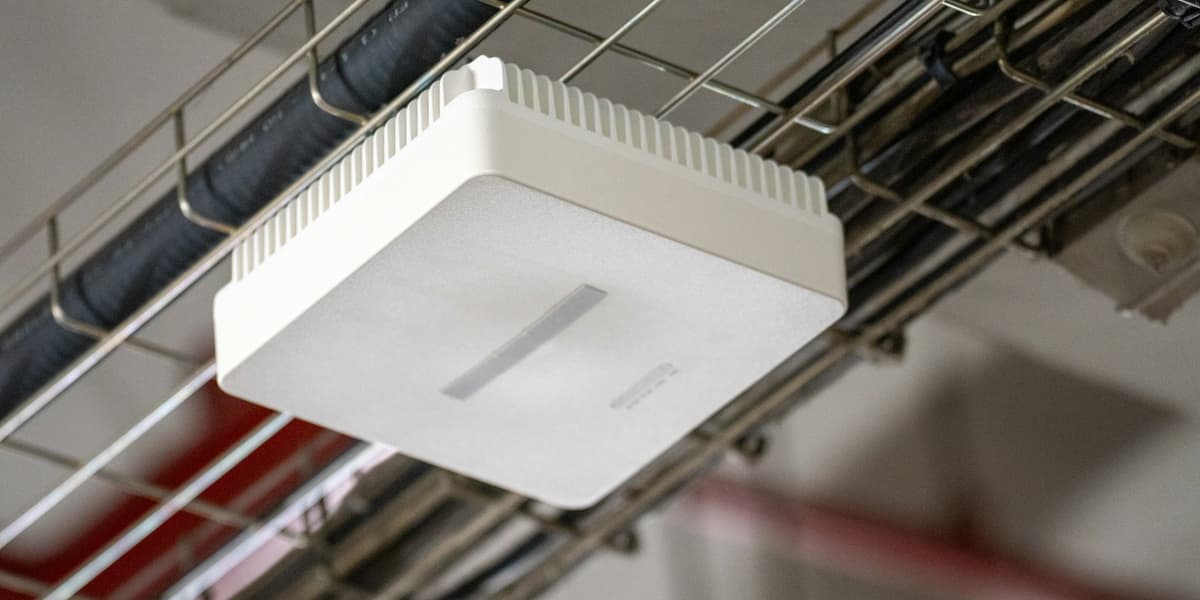
Usually coverage, not signal strength. Access points placed from a floor plan, with no survey, leave gaps at the handoff, so a device walking between them drops the session instead of switching cleanly.
We survey the real space, then place and tune for deliberate overlap so a call or a session survives the walk from one end of the building to the other.

Devices can't see the network at all
Often band steering, or an SSID sitting on a channel the device will not join. Older hardware, handhelds and building devices are the usual casualties, and they are exactly the ones nobody tests with.
We separate what needs 2.4GHz from what belongs on 5GHz and stop asking a single SSID to serve every class of device on site.

Connected, but everything is slow
Density, not bandwidth. An access point sized for square footage falls over when thirty devices in one room all want it at once, and buying a faster circuit changes nothing about that.
We size for the number of devices in the room and cap what any one client can take, so a single laptop syncing a backup doesn't flatten a classroom.
Connected, but no websites load
Almost always name resolution, an exhausted DHCP scope, or a captive portal that never finished. The wireless is fine. The plumbing behind it is not.
We check the layer that failed before replacing the access point, which costs more and does not fix it.








Other services
Let's talk about what's not working.
A 20-minute call with a consultant. No sales script.