
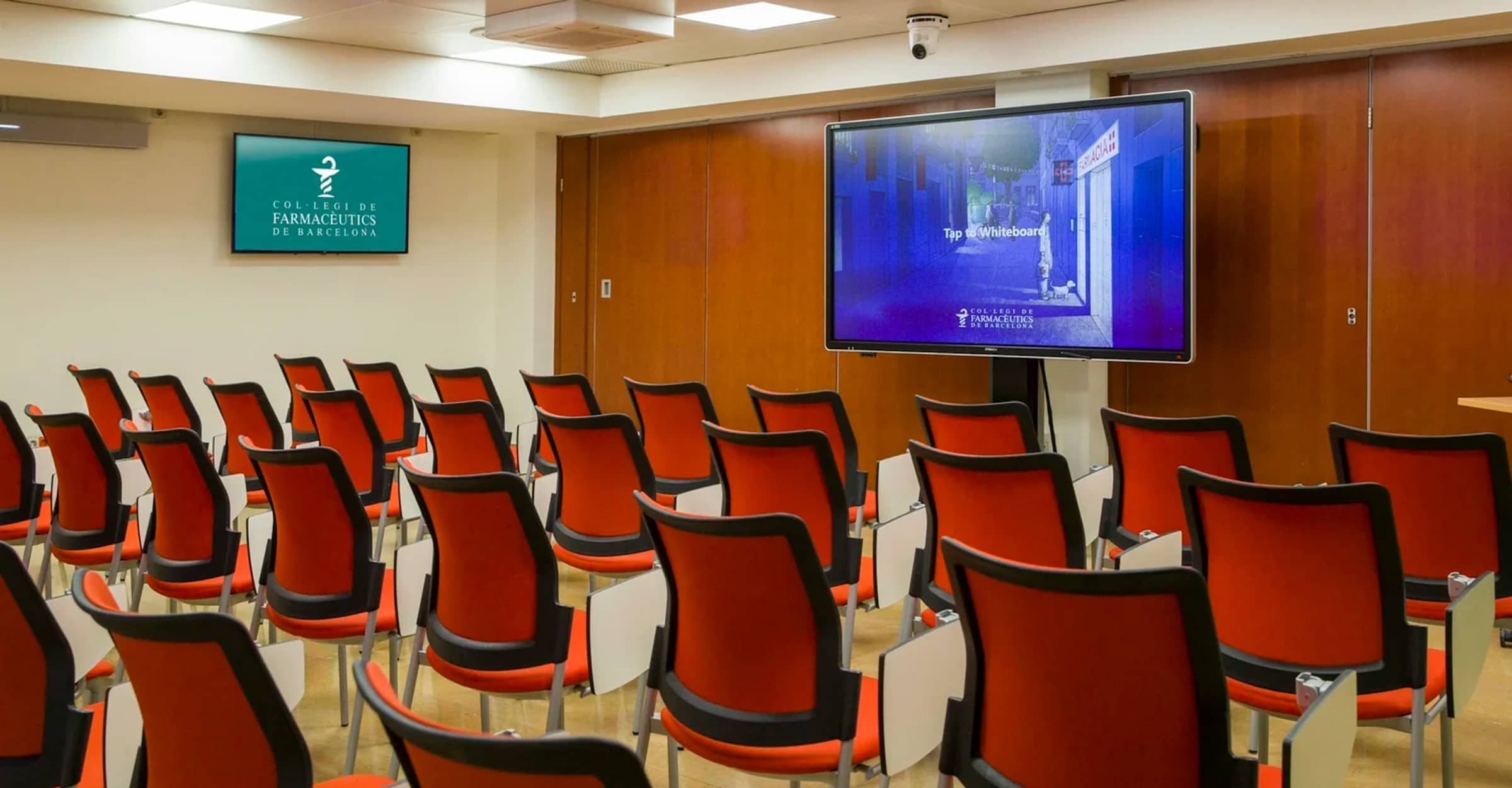
Nobody should need a manual to start a meeting.
Projectors, interactive displays, digital signage and conference room video, specified and installed so the first person into the room can start on time.
The most expensive AV failure is the room nobody books. Somebody could not get it working, said so, and now the room gets avoided while the money that bought it is already spent.
So we standardize. The same layout in every room, the same controls in the same place doing the same thing, so walking into any space in the building means the muscle memory transfers. A staff member who can run one room can run all of them.
We handle the mounts, the cable paths, the control system and the training, then stay reachable through the first month, which is when the real questions get asked. Rooms are labeled, documented and handed over working, not “substantially complete”.
Retrofit or new build, and the brands behind it
Fitting AV into an occupied building and wiring a new one are different jobs. In an existing space the constraints are the ceiling you cannot open and the schedule you cannot stop, so we work around both. On new construction we sit in the coordination meetings and get pathways and back boxes right while the walls are still open, which is the difference between a clean install and a chase cut through finished plaster.
We install Poly, Logitech, Epson, SMART Technologies and Airtame. None of it is proprietary to us, so you are not locked into a platform only one company can service, and the room keeps working if you ever change providers.
The same team runs the network those rooms depend on. When a video call drops, that is one company's problem to solve. It is not a conversation between the AV integrator, the network provider and the display supplier.
Six systems, and the room each one is for
Most sites need two or three of these. Six is rare. The useful question is what the room is used for.
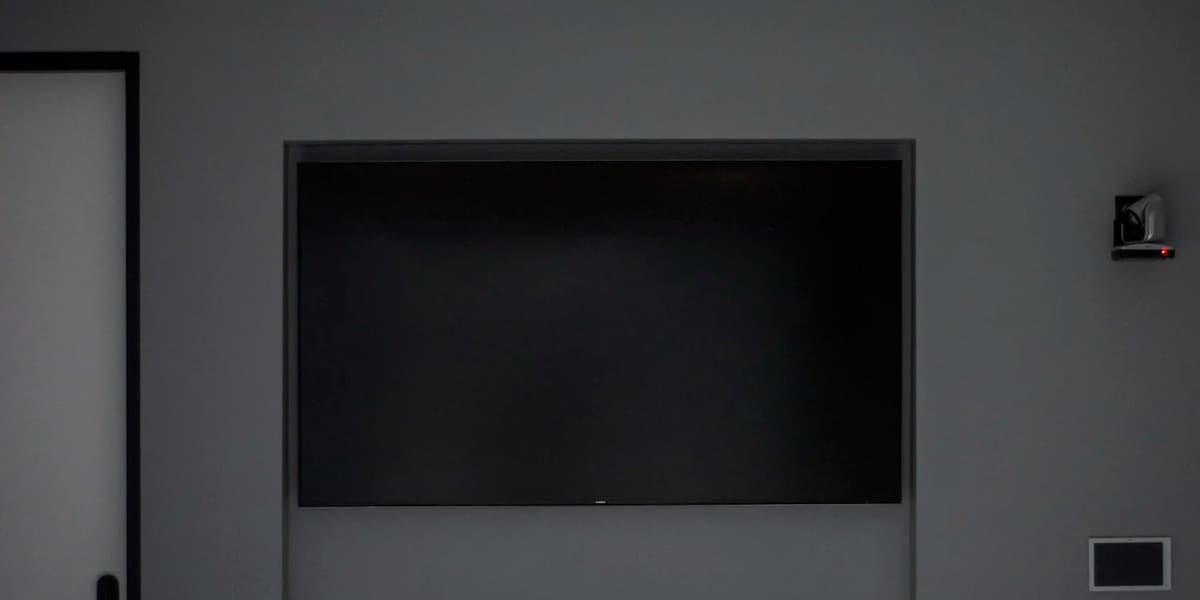
Non-interactive display
A display that shows one thing well. Meeting rooms, lobbies and offices where people present to a room and nobody writes on the screen. Cheaper than interactive, and the right answer far more often than it gets specified.
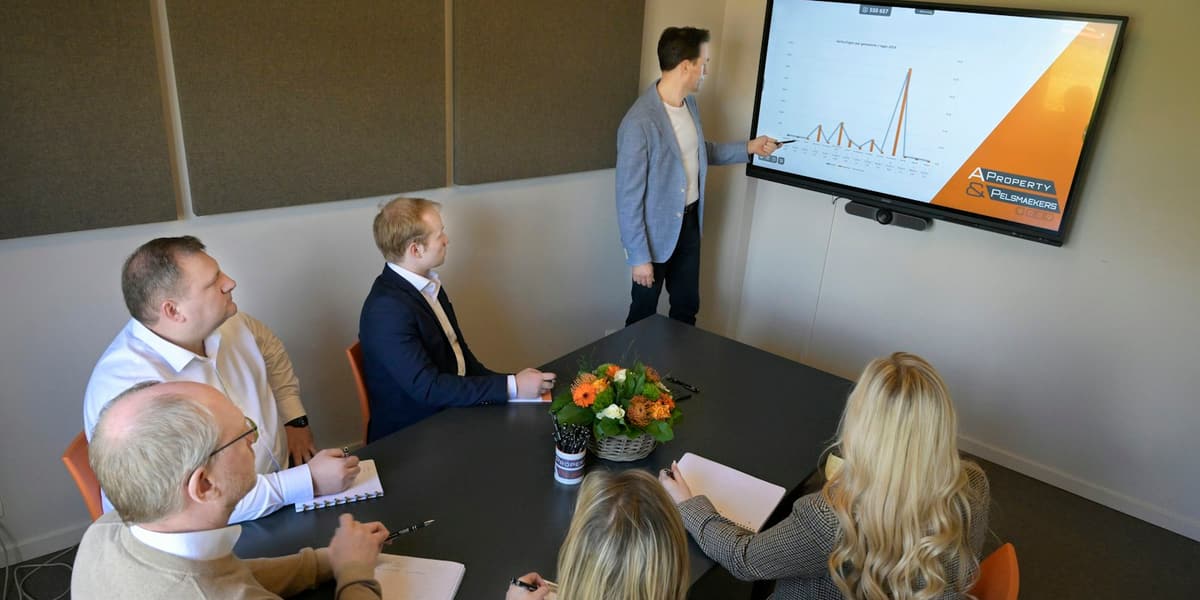
Interactive display
Touch panels for classrooms and collaboration spaces, where the point is that several people work on the same surface at once. Worth the premium only in rooms where that happens, and not in rooms where it might.
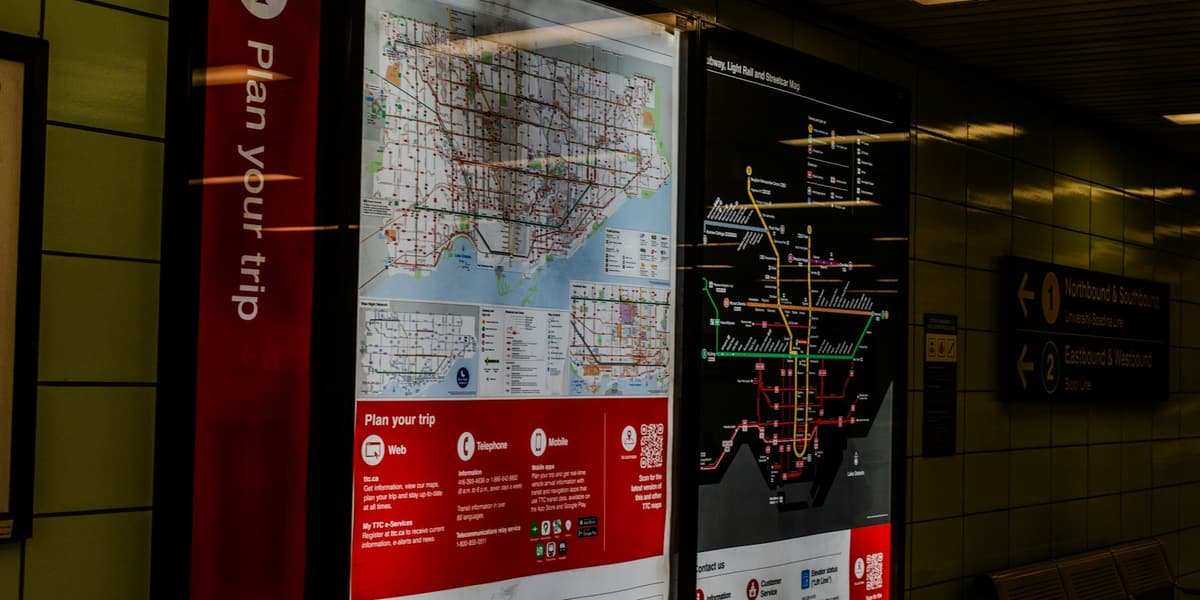
Digital signage
Screens carrying content that changes: wayfinding, announcements, menus, scores. The install is the easy part. What decides whether it still works in a year is who owns the content schedule, so we agree that before anything goes on a wall.
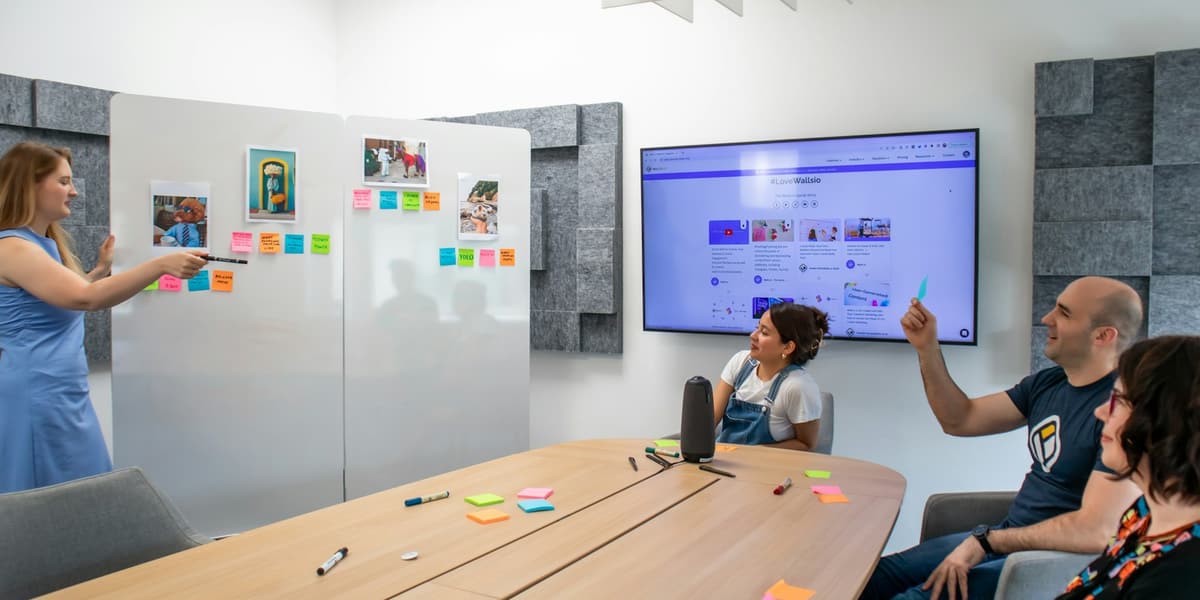
Video conference system
Camera, microphones and display working as one system instead of a laptop propped on a stack of books. Sized to the room, because a camera that suits a huddle space cannot hear or see the far end of a boardroom.
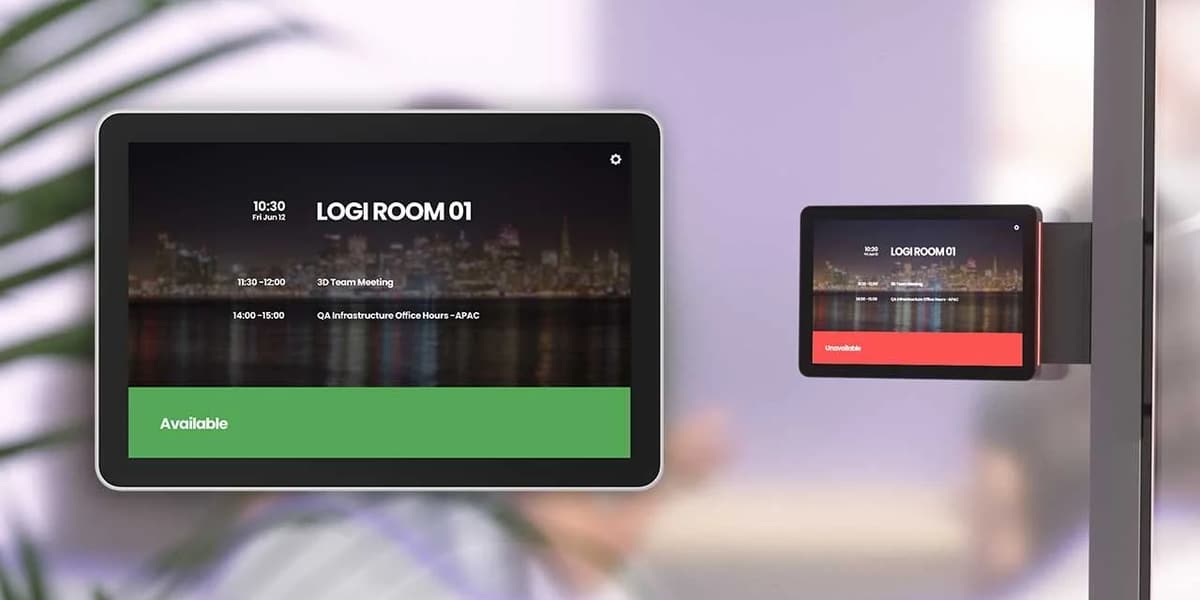
Conference room scheduling
Panels outside the door showing whether the room is free and who has it next. A small thing that removes the most common daily argument in any building with fewer rooms than meetings.

Interactive projector
Projection that turns an ordinary wall or an existing whiteboard into a touch surface. Often the cheaper route to interactivity in a classroom that already has a board worth keeping.






Other services
Let's talk about what's not working.
A 20-minute call with a consultant. No sales script.