Right now your integration layer is a person.
A vCIO-led workflow review, CRM selection, the automation that removes the retyping between systems that were never designed to talk to each other, and a straight answer on where AI helps and where it only makes a slow process faster.
Plenty of organizations run five systems that don't talk to each other, bridged by one person retyping the same information into each of them. That person is the integration layer, and they are slow, expensive to replace, and eventually going to move on and take the process with them.
So we map where information moves before touching any software. Which handoffs are manual, how often they happen, and what breaks when the person doing them is on leave. Most of the value turns up in two or three handoffs. It is rarely spread evenly across everything you do.
Then we automate the ones worth automating and deliberately leave the rest alone. The goal is not a platform migration. It is fewer double entries, reports whose numbers agree, and a process that survives somebody changing jobs.
AI belongs in that conversation now, and it is worth being clear about what it changes. It is good at the reading and writing your staff currently do by hand, and completely indifferent to whether the process it is speeding up ever made sense. Point it at a workflow nobody has mapped and you get the same mess, arriving faster and sounding more confident than it has earned. Which is why the mapping comes first here and the tooling comes second.
This is a vCIO engagement, not a software purchase
The work starts with the same vCIO who handles your technology planning, because the useful question is never which product to buy. It is which parts of how you work are costing you time, and whether software is even the right answer to them.
Some of what we find does not need automating at all. It needs a step removed, or two teams agreeing which system owns a record. Those cost nothing, and we will say so, and we will not quote you for a platform.
None of this is about needing fewer people. Districts, public bodies and nonprofits are already short-staffed. It is about the hours those people currently spend acting as a copy-and-paste bridge between two databases, which is not what any of them were hired to do.
Copilot can read everything the person using it can read
Copilot can read everything the person using it can read. That sounds like a limit. It is a warning. Every folder shared with Everyone years ago to save a phone call is a folder Copilot will include in its answer to anyone who asks.
Nobody has to break anything for this to happen. The permissions were already that loose. What changed is that finding the loose ones used to mean knowing they existed and where to look, and now it means asking a question in plain English and reading the answer.
So the work before a rollout is the unglamorous part, and it is the part that decides whether the rollout is a success or an incident. Find what is overshared and fix it. Decide who gets licenses and in what order. Write down what staff may and may not put into these tools, then train them on it. Districts have student records in scope here and public bodies have records requests, so getting it wrong is a different category of expensive.
Four jobs AI is worth paying for
Underneath, all four are the same job: reading and writing text that somebody on your staff reads and writes by hand today. That is the test we apply to anything else you get pitched.

Drafting and summarizing
First drafts of letters, policies and board papers, and summaries of the long documents nobody has time to read end to end. A draft in two minutes that needs ten minutes of editing still beats forty minutes staring at a blank page.

Forms and invoices that read themselves
Enrollment forms, applications, invoices and purchase orders arrive as PDFs and scans, and the fields are extracted and written to the system that owns them. This is the oldest manual handoff in most offices and the one where the technology has improved most.

The question five people ask every week
An assistant grounded in your own documented procedures, so staff get the answer from the handbook instead of from memory. It also shows you which answers were never written down.

Sorting what comes in
Incoming email, tickets and requests read, categorized and routed to their owner. The sorting is automatic and the decision stays with a person. That split is deliberate, and we would not build it the other way round.
Four signs the manual work costs more than you think
These are what a workflow review looks for. None of them look like software problems, and all four turn out to be.
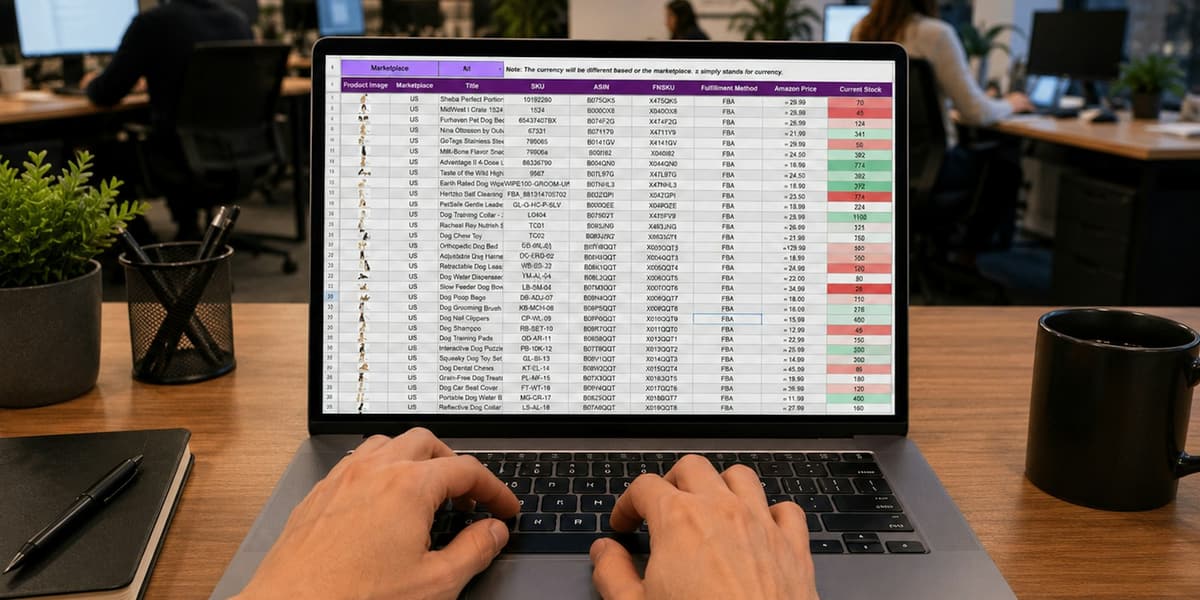
The same information gets typed in three times
Two or three systems, each bought to solve one thing well, with no agreement about which one holds the record. The gap between them gets filled by a person, because a person is quicker to arrange than an integration.
We map the handoffs, decide which system owns each record, and connect them at the points where the retyping happens. Two or three connections usually cover most of it.

Nobody quite trusts the number in the report
Where entry is manual, two systems drift apart. Once somebody has been burned by a wrong figure in a board pack they go back to keeping their own spreadsheet, and that spreadsheet becomes a fourth system.
One source of truth per record, with movement between systems automated, so the report is assembled from data nobody had to retype in the first place.

A lead or a donation sits for two days
The form on your website goes to a shared inbox somebody checks when they get a chance. On a Friday afternoon that means Monday, and by Monday the person has often approached somebody else.
The submission creates the record directly and notifies the owner, so follow-up happens the same day and not the next working one.

The process exists only in one person's head
It was never written down because the person doing it knows it and it works. Then they take leave, or take another job, and the organization finds out what they were holding together on their own.
We document the process before automating any part of it. The documentation is most of the value even in the cases where automating turns out not to be worth it.
A form on your website, and what should happen next
The most common thing we build, and a useful shape for the rest. Four steps, none of which need somebody to be at a desk.
- 01 Capture
- 02 Import
- 03 Route
- 04 Follow up
Somebody fills in the form
An enquiry, a quote request, a donation. Whichever it is, the plumbing problem behind it is identical, which is why a development office and a sales team end up wanting the same thing built.
The record creates itself
Straight into the CRM with the fields mapped once and mapped correctly. Nobody retypes it, so nobody mistypes it, and the record exists whether or not the office is open.
It reaches a named person
Assigned to the person who owns that kind of enquiry and notified to them, instead of waiting in a shared inbox for somebody to notice it and claim it.
The task exists with a date on it
So whether it converts stops depending on who happened to check email that afternoon. This is the step that turns the other three into money.
None of it is exotic. It is worth building because the alternative is a person doing it, and that person is not doing it at nine on a Saturday when the form was submitted.


Other services
Let's talk about what's not working.
A 20-minute call with a consultant. No sales script.